🏪 Swiftwave App Store
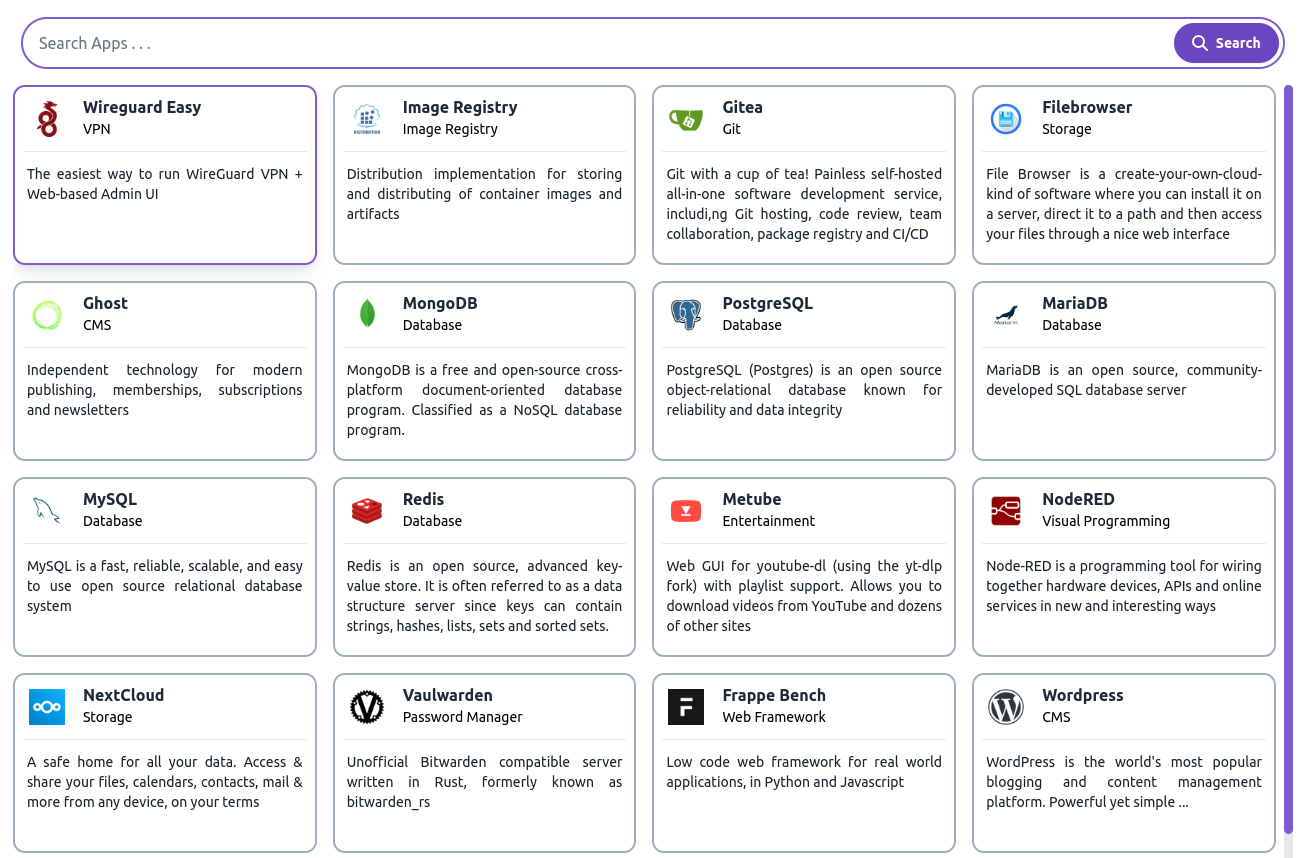
From Swiftwave App Store, you can install any app in few clicks.
Available Apps
How to install any app from Swiftwave App Store ?
-
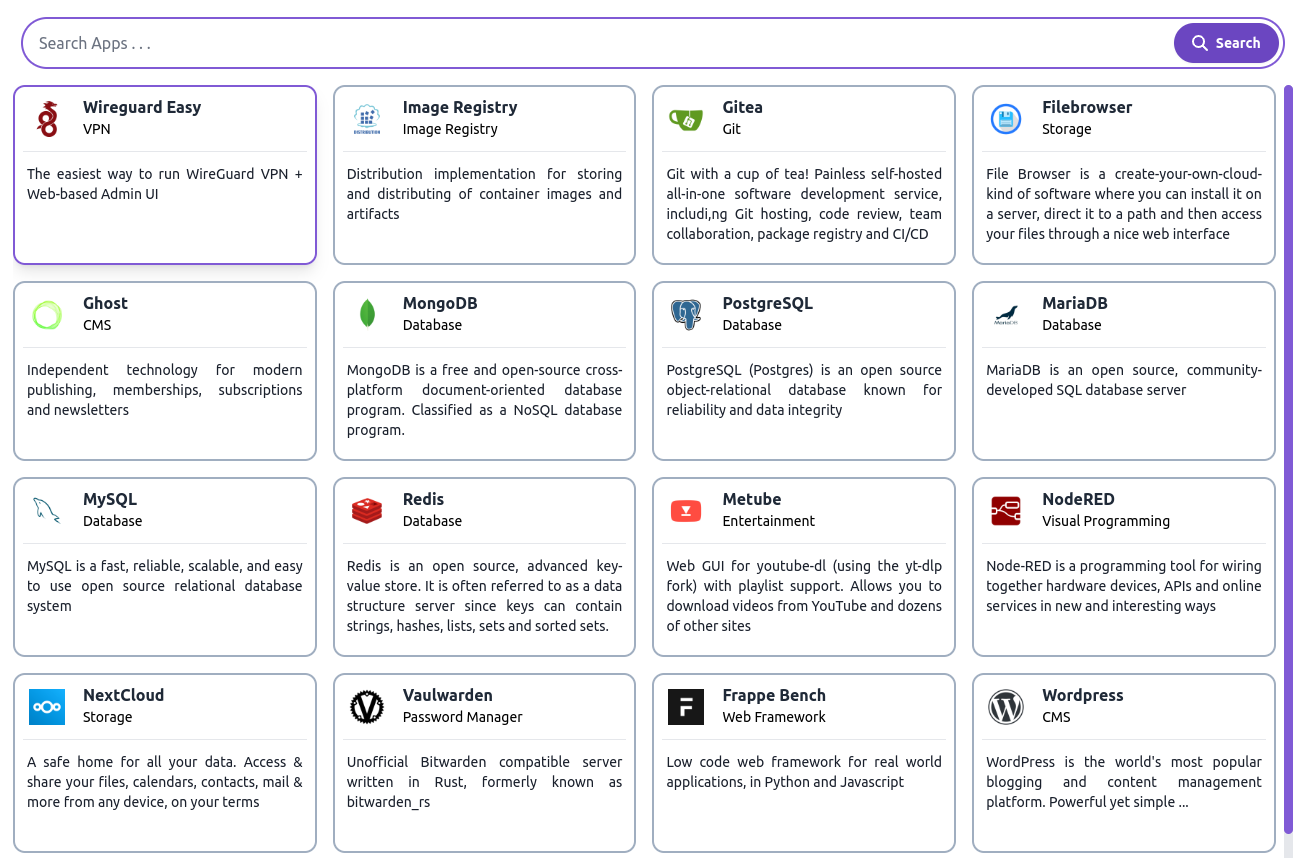
Go to Swiftwave App Store
-
For instance, we are installing NextCloud. So tap on that.
-
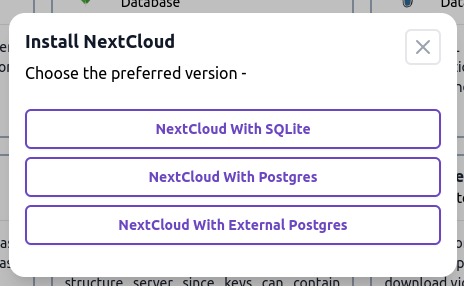
You will see the variants available for installation.
-
For now, we want to install with a postgres database. So tap on that.
-
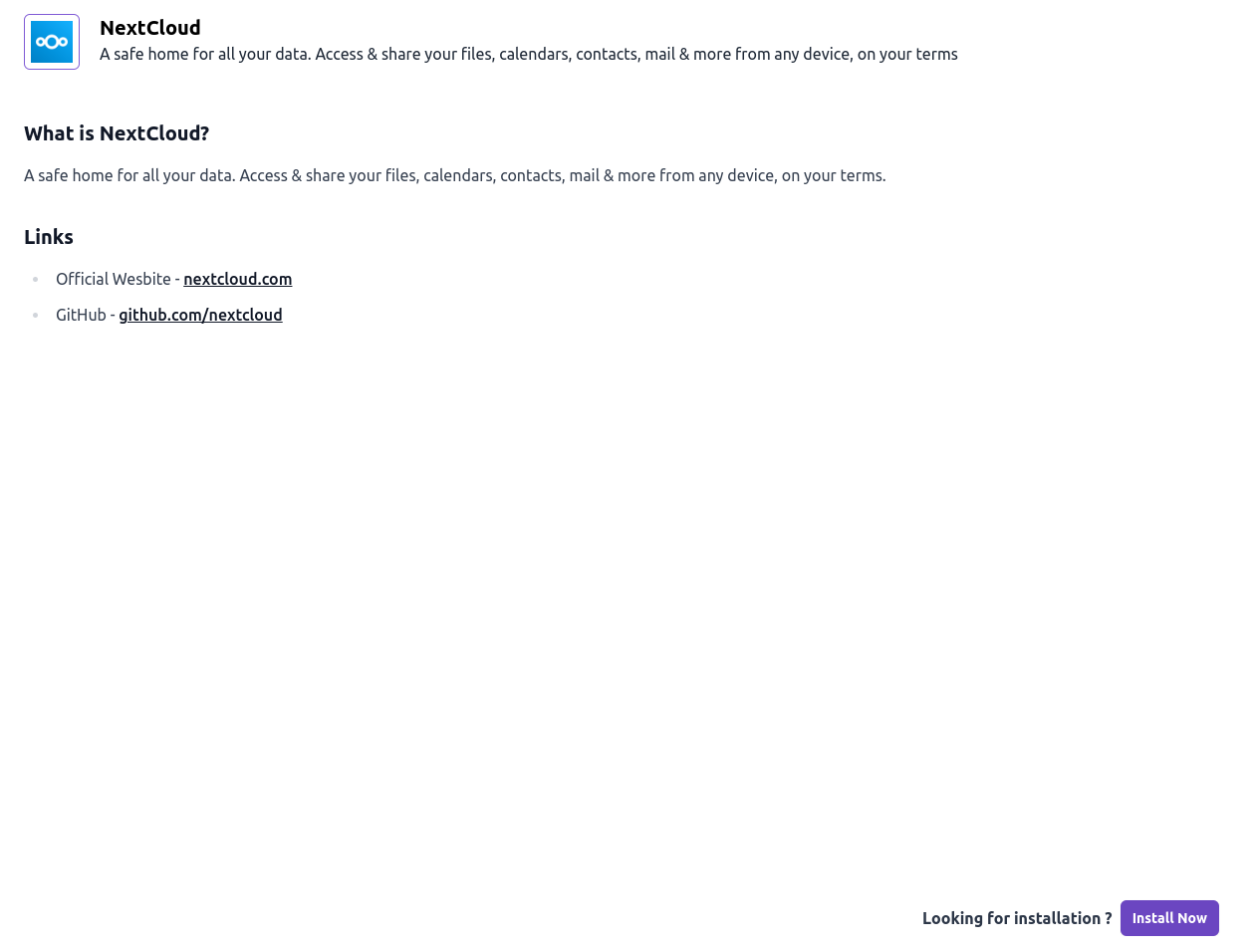
Then you will find the app installation wizard.
-
Click on the
Install Nowbutton at the bottom. -
You will be asked to fill up the required details.
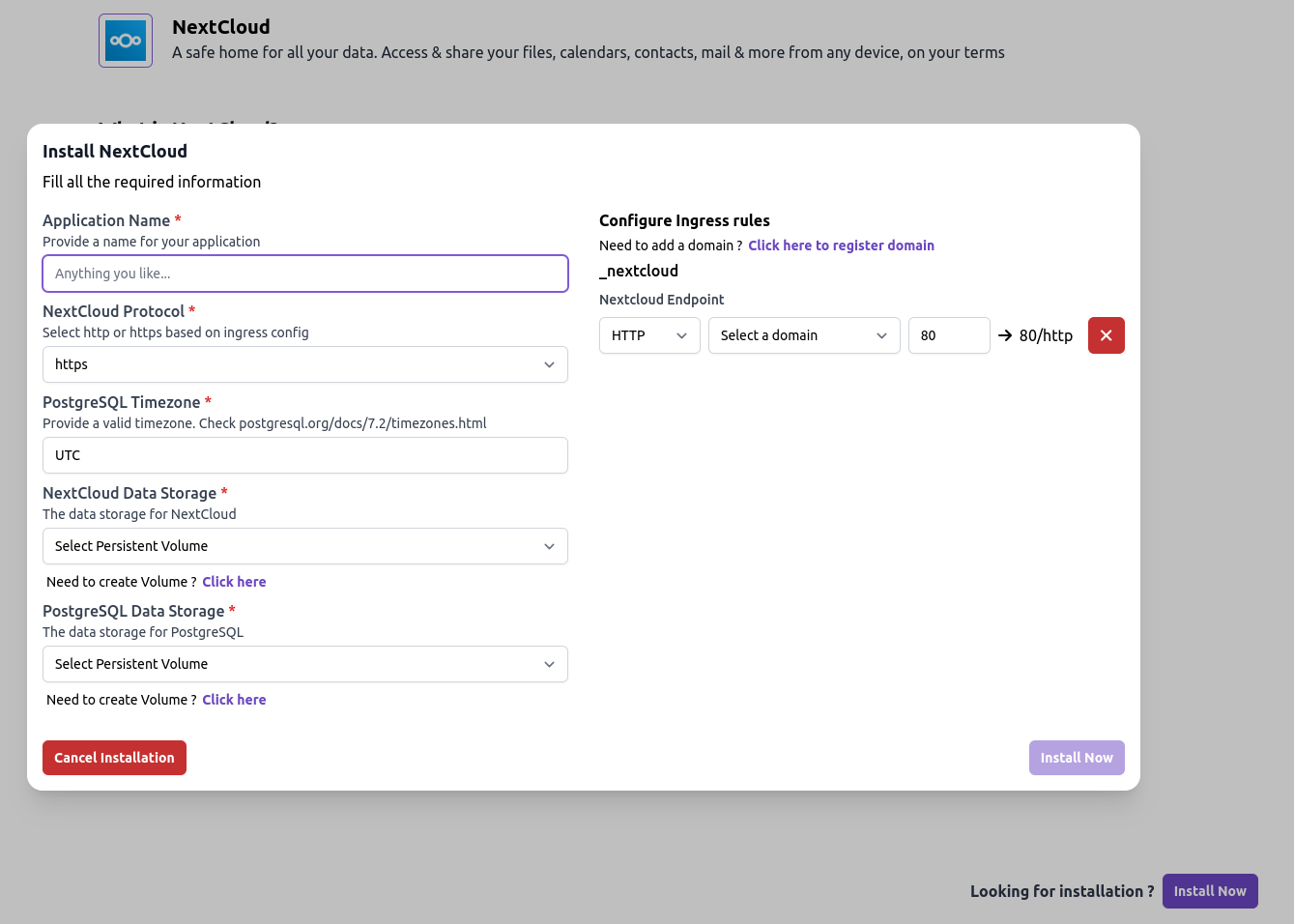
-
Provide application name and other details.
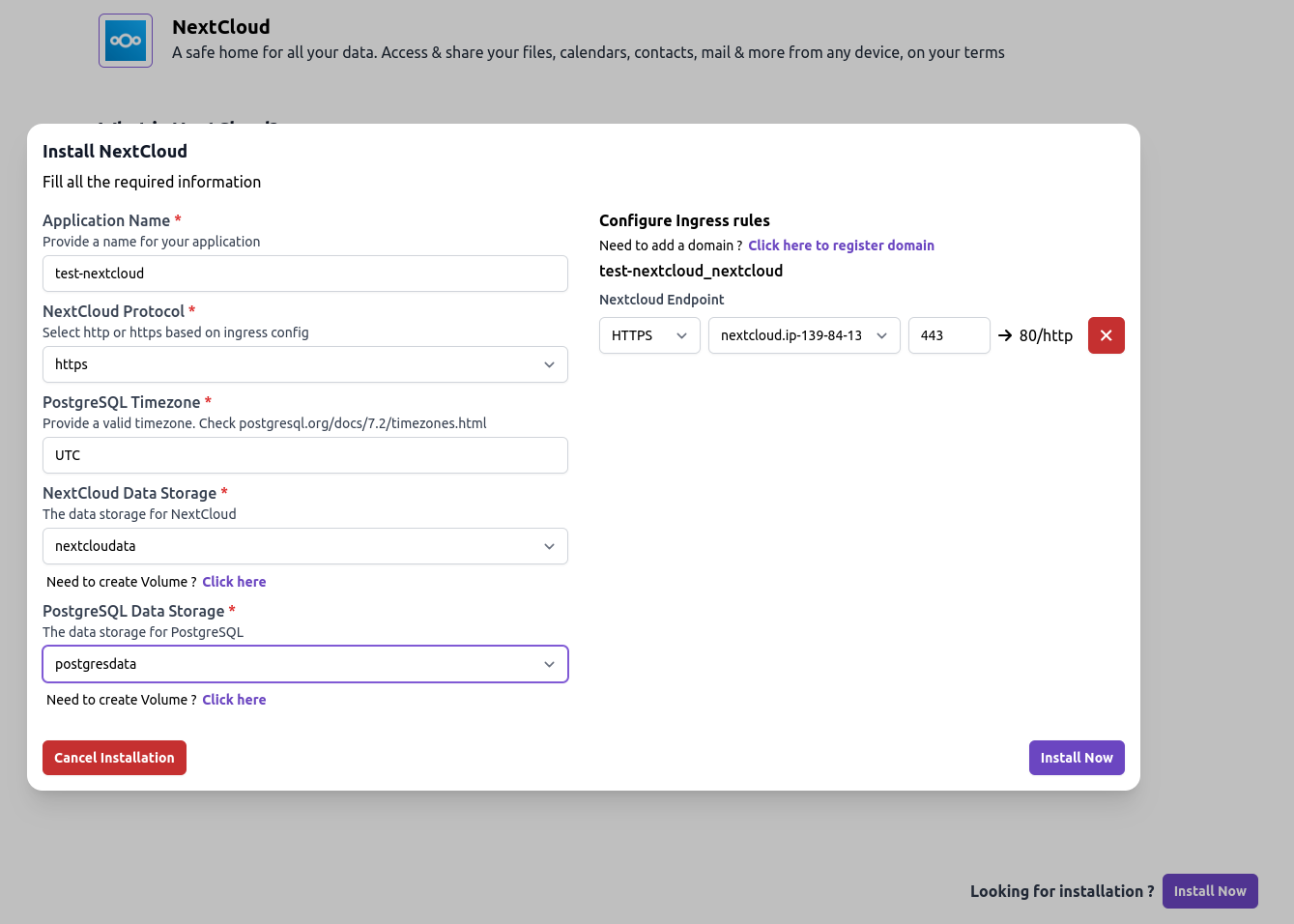 tip
tipIf you want to ignore configuring any ingress rule, you can do that by tapping on the red cross ❌ icon.
-
Click on the
Install Nowbutton to start the installation. -
On confirmation, you will get a success message with all the info.
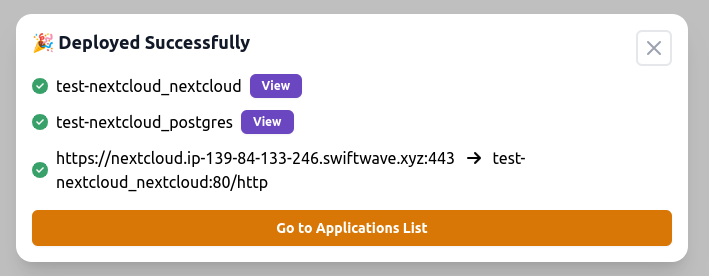
-
You can click on the
Viewbutton to see the deployment status. -
Or, back to dashboard, you will see a group of apps with their status.
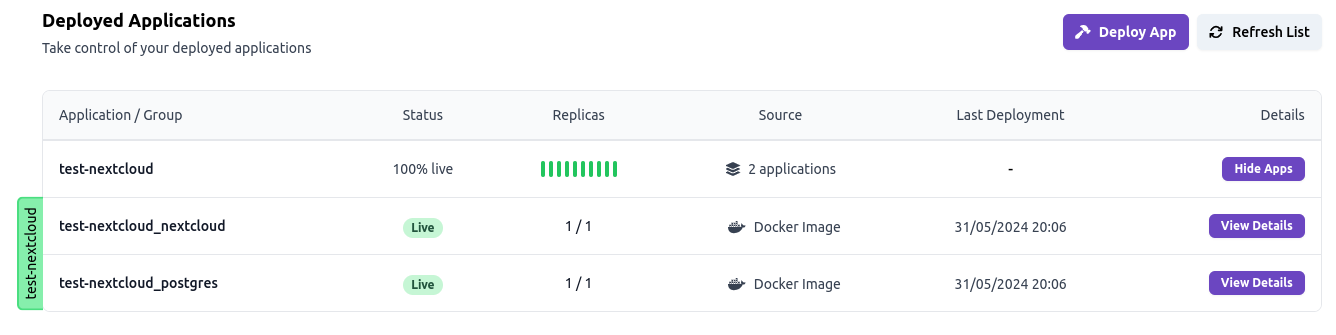
-
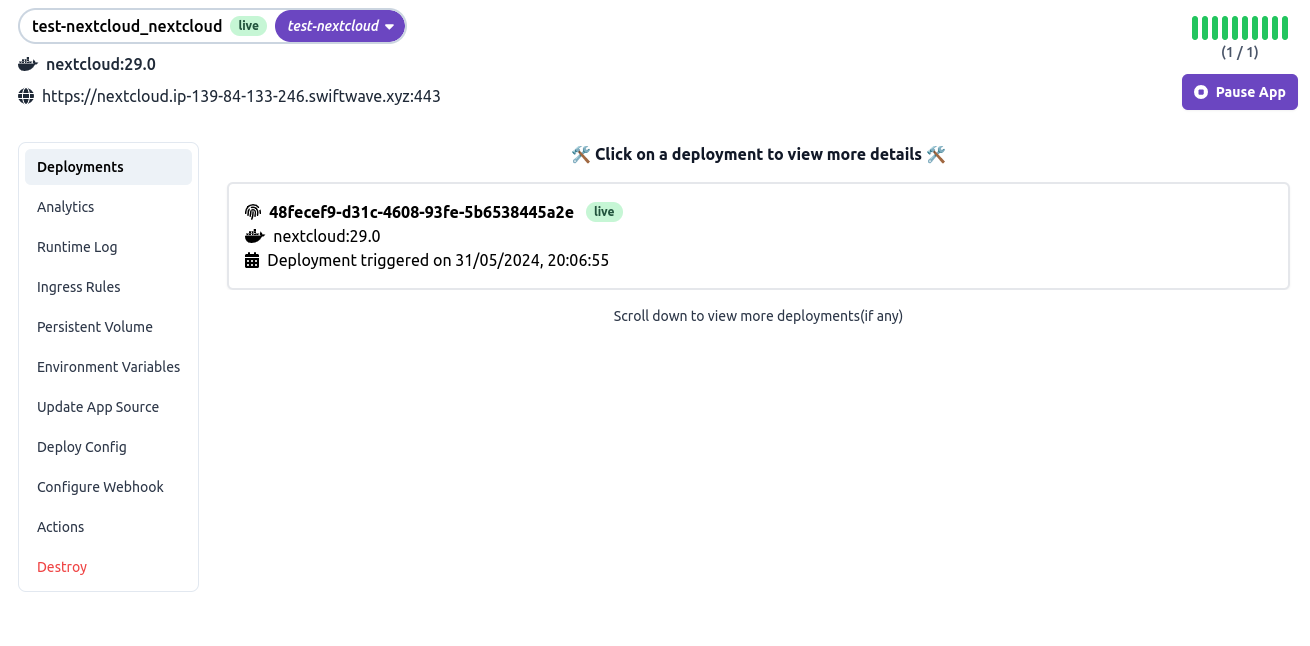
Let's open the app details of NextCloud.
-
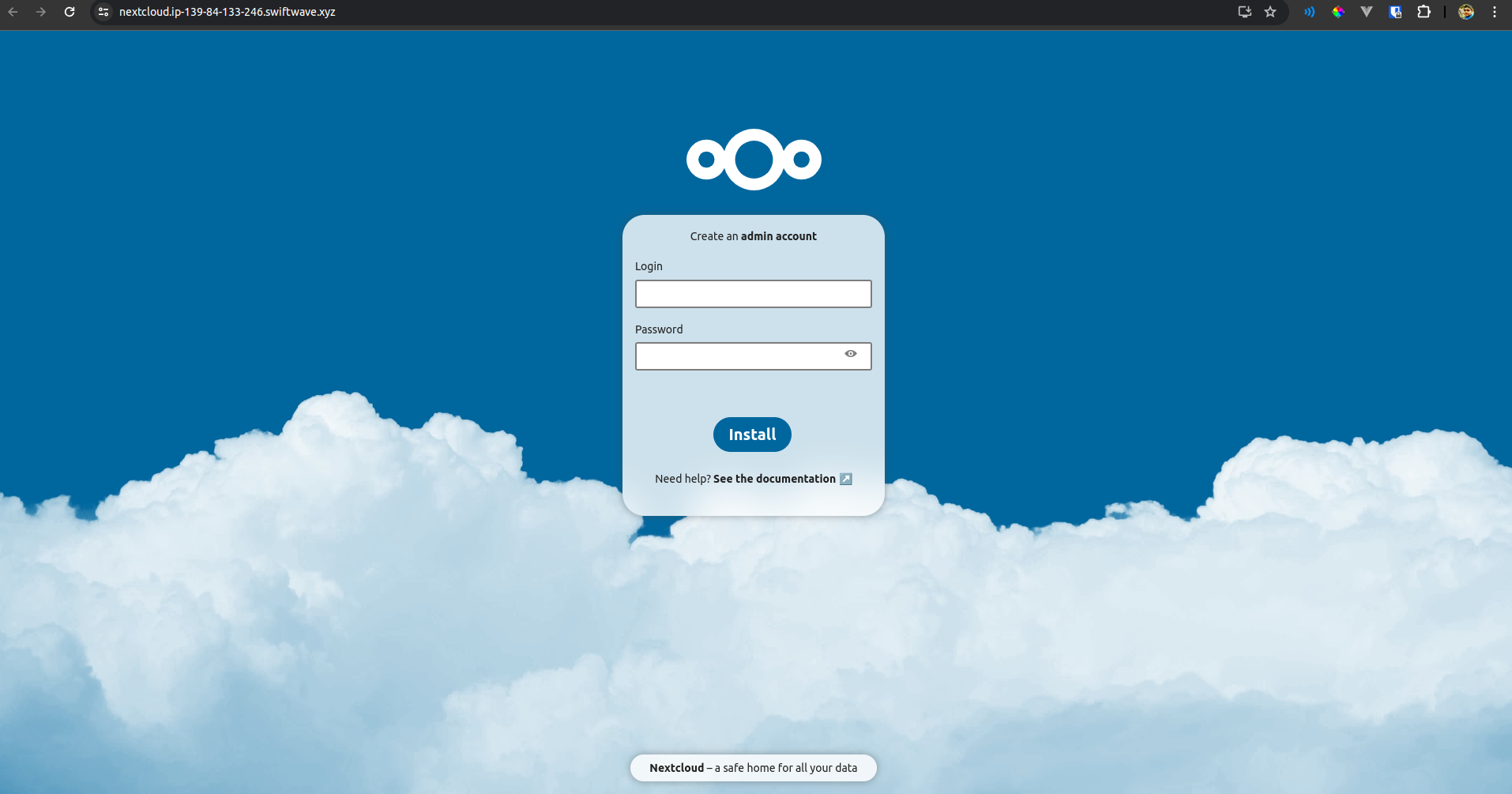
Let's go to the url of the app and see the app in action.
-
Yup it's working!